%20--%3e%3csvg%20width='63.297821mm'%20height='39.29665mm'%20viewBox='0%200%2063.297821%2039.29665'%20version='1.1'%20id='svg8765'%20inkscape:version='1.1%20(c4e8f9ed74,%202021-05-24)'%20sodipodi:docname='OBALogoSingle2.svg'%20xmlns:inkscape='http://www.inkscape.org/namespaces/inkscape'%20xmlns:sodipodi='http://sodipodi.sourceforge.net/DTD/sodipodi-0.dtd'%20xmlns='http://www.w3.org/2000/svg'%20xmlns:svg='http://www.w3.org/2000/svg'%3e%3csodipodi:namedview%20id='namedview8767'%20pagecolor='%23ffffff'%20bordercolor='%23666666'%20borderopacity='1.0'%20inkscape:pageshadow='2'%20inkscape:pageopacity='0.0'%20inkscape:pagecheckerboard='0'%20inkscape:document-units='mm'%20showgrid='false'%20fit-margin-top='0'%20fit-margin-left='0'%20fit-margin-right='0'%20fit-margin-bottom='0'%20inkscape:zoom='1.1759259'%20inkscape:cx='179.85827'%20inkscape:cy='102.04724'%20inkscape:window-width='1920'%20inkscape:window-height='972'%20inkscape:window-x='0'%20inkscape:window-y='27'%20inkscape:window-maximized='1'%20inkscape:current-layer='layer1'%20/%3e%3cdefs%20id='defs8762'%20/%3e%3cg%20inkscape:label='Layer%201'%20inkscape:groupmode='layer'%20id='layer1'%20transform='translate(-31.351095,-50.101677)'%3e%3cpath%20style='fill:none;stroke:%233584e4;stroke-width:3.965;stroke-linecap:square;stroke-linejoin:round;stroke-miterlimit:4;stroke-dasharray:none;stroke-opacity:1'%20d='m%2077.07508,77.78787%2014.84134,8.87817%20V%2052.83397%20L%2034.08359,86.5521%20V%2053.69366%20l%2015.27351,9.31107'%20id='path8388'%20sodipodi:nodetypes='cccccc'%20/%3e%3c/g%3e%3c/svg%3e)
Trading 212 Portfolio Tracker
The Trading 212 portfolio tracker built for UK investors. Auto-sync via API, benchmark vs the FTSE, track dividends and risk. Free — no card required.
On this page (12)
If you're looking for a Trading 212 portfolio tracker, you've probably hit the same wall as most of Trading 212's UK investors: the app is superb for buying and selling, but thin on answering the questions that actually matter. How does your return compare to the FTSE All-Share? Are you overexposed to one sector without realising it? What did your portfolio actually pay you in dividends this year?
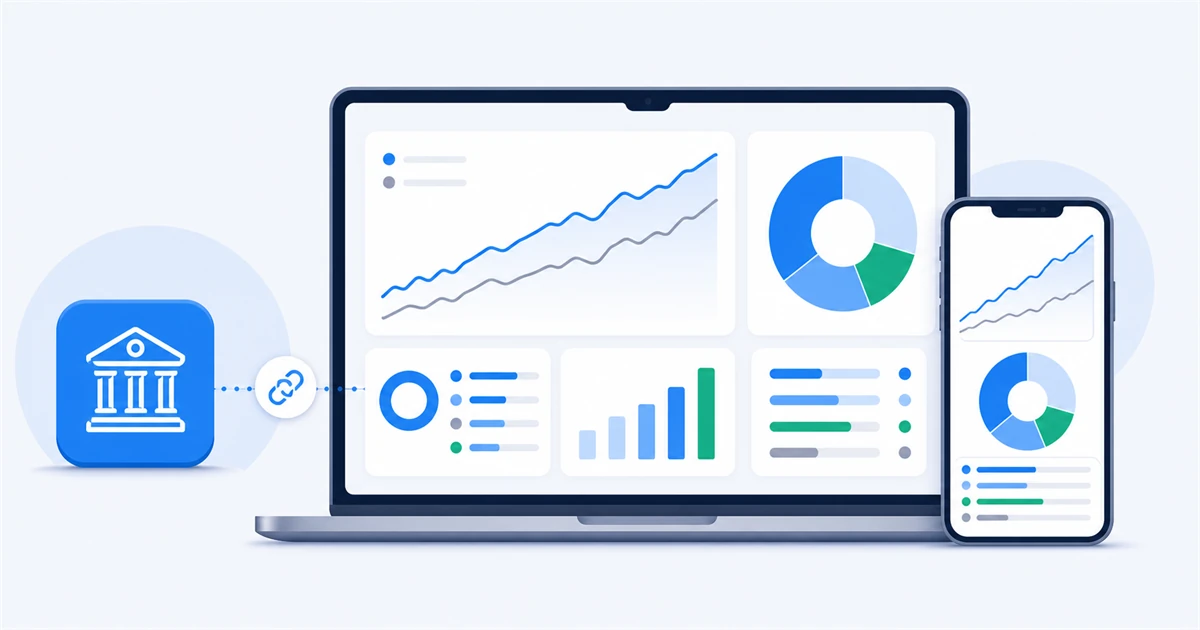
Openbook's Portfolio Tracker now connects directly to your Trading 212 account. Your holdings sync automatically through Trading 212's official API — no spreadsheets, no CSV wrangling, no typing in every trade — and Openbook layers proper analysis on top: benchmarking, risk scores, factor profiles and dividend tracking, all in plain English.
It's free to start, and Openbook never gets permission to trade on your account. Here's everything you need to know.
Why Trading 212's app isn't enough on its own
Trading 212 shows you what you own and what it's worth right now. That's table stakes. What it doesn't readily show you:
- Whether you're beating the market. A portfolio that's up 6% feels great — until you learn the index did 9%. Without a benchmark, a return figure is just a number.
- Where your risk is hiding. It's remarkably easy to buy eight stocks that all behave like the same stock. Sector drift happens quietly, and Trading 212 won't tap you on the shoulder about it.
- What your income actually looks like. Dividend investors on Trading 212 have been asking for a proper dividend overview for years — the community forum has multiple long-running threads requesting one. Most people fall back on spreadsheets.
- Why a holding is underperforming. The app tells you a position is down. It doesn't tell you whether the business's fundamentals changed or the whole sector fell.
A dedicated tracker exists to answer exactly these questions. That's the gap Openbook fills — and because it's built UK-first, it does so with the right benchmarks and the right market coverage.
What you get when you connect Trading 212 to Openbook
Once connected, your live holdings flow into Openbook's Portfolio Tracker and stay in sync. Everything below runs on your real portfolio, automatically.
Performance you can judge honestly
See total return over any period, compared against a benchmark like the FTSE All-Share. Openbook shows return attribution by holding, so you know exactly which positions are pulling their weight and which are dragging the whole thing down.
Risk and concentration alerts
The tracker calculates a combined exposure score, flags your largest positions and sectors, and shows your maximum drawdown. If 40% of your portfolio has quietly drifted into one sector, you get a plain-English alert — not a nasty surprise in the next downturn.
A factor profile for your whole portfolio
Every synced portfolio is scored 0–100 across value, quality, momentum and income. It's the kind of analysis fund managers run on their own books, applied to your Trading 212 account in a couple of clicks.
Dividend tracking without the spreadsheet
Your income-paying holdings feed straight into the Dividend Tracker, so you can see what your portfolio pays you across the year. More on this in our guide to tracking Trading 212 dividends.
Research behind every holding
Because your portfolio lives inside the wider Openbook platform, every stock you hold comes with its own Reward & Risk Scores and Deep Stock Research. "Why is this holding underperforming?" becomes a question you can actually answer — with fundamentals, not guesswork.
How to connect Trading 212 to Openbook (step by step)
Connecting takes about two minutes. You generate an API key inside Trading 212, then paste it into Openbook.
- Open Trading 212 and go to Settings → API (Beta). The API section is available for the General Invest account and the Stocks & Shares ISA. You'll need to accept Trading 212's risk warning the first time.
- Tap "Generate API key". Give the key a name — something like "Openbook" — so you can recognise it later.
- Review the permissions. Openbook only needs read access to your account data, history and portfolio. You never need to grant trading permissions — Openbook cannot place, change or cancel orders on your account, full stop.
- Copy your credentials. Trading 212 shows your API secret key only once, so copy it straight away.
- Paste the key into Openbook. Head to the Portfolio Tracker, choose "Connect Trading 212", and paste in your key. Your holdings appear and stay in sync from then on.
Prefer a one-off import instead of a live connection? You can also export your Trading 212 data as a CSV and bring it in that way.
Is it safe to connect my Trading 212 account?
A fair question, and worth answering properly rather than waving away.
The connection uses Trading 212's own official API — the system Trading 212 built precisely so customers can plug their accounts into external tools. The access Openbook uses is read-only: it can see your holdings and history, but it cannot trade, move money or change anything in your account. For extra control, Trading 212 lets you restrict your API key to trusted IP addresses. And you can revoke the key at any time from Trading 212's settings, which cuts off access instantly.
One limitation on Trading 212's side: the API isn't yet available for SIPP accounts, so the sync currently covers General Invest and Stocks & Shares ISA accounts.
How Openbook compares to other Trading 212 trackers
There are several tools that track Trading 212 portfolios — Portseido, AllInvestView and Simple Portfolio among them. They're capable products, and if you want a general-purpose multi-broker tracker they're worth a look (we've reviewed the field in our guide to the best portfolio trackers for UK investors).
Where Openbook differs:
| Feature | Openbook | Typical Trading 212 tracker |
|---|---|---|
| Built for | UK investors specifically | Global/EU audiences, UK as one market among many |
| Benchmarks | FTSE-first comparisons | Often default to US indices |
| Beyond tracking | Reward & Risk Scores and Deep Stock Research on 2,400+ UK stocks, 25,000+ equities and ETFs overall | Tracking and visualisation only |
| Tone | Plain English, built for everyday investors | Often assumes finance background |
| Getting started | Free plan, no credit card | Varies; many gate syncing behind paid tiers |
The short version: most trackers tell you what happened to your portfolio. Openbook is built to also tell you why — because the research platform sits underneath the tracker.
Get started free
The Portfolio Tracker is included in Openbook's free Basic plan — no credit card required. Create your free account, connect your Trading 212 account in a couple of minutes, and see what your portfolio has really been doing.
Frequently asked questions
Can Openbook trade on my Trading 212 account?
No. Openbook uses read-only access. It can view your holdings and history but cannot place orders, withdraw funds or make any changes to your account.
Which Trading 212 accounts can I connect?
The General Invest account and the Stocks & Shares ISA. Trading 212's API doesn't currently support SIPP accounts, and the export/API tools don't cover CFD accounts.
Do I have to update my portfolio manually after connecting?
No — that's the point. Once connected, your holdings sync automatically. Buy or sell in Trading 212 and Openbook stays up to date.
Does Trading 212 have its own portfolio tracker?
Trading 212 shows your current holdings and basic returns, but it doesn't offer benchmarking, risk analysis, factor profiles or a consolidated dividend view. That's why third-party trackers exist.
What if I want to disconnect?
Revoke your API key at any time in Trading 212 under Settings → API (Beta). Access stops immediately. You can also remove the connection from within Openbook.
Does the Trading 212 sync cost anything?
The Portfolio Tracker is part of Openbook's free Basic plan. Pro adds deeper analytics on top if you want them.
Can I track a portfolio without connecting Trading 212?
Yes. You can build and maintain a portfolio manually inside Openbook, import via CSV, and more broker connections are on the way.